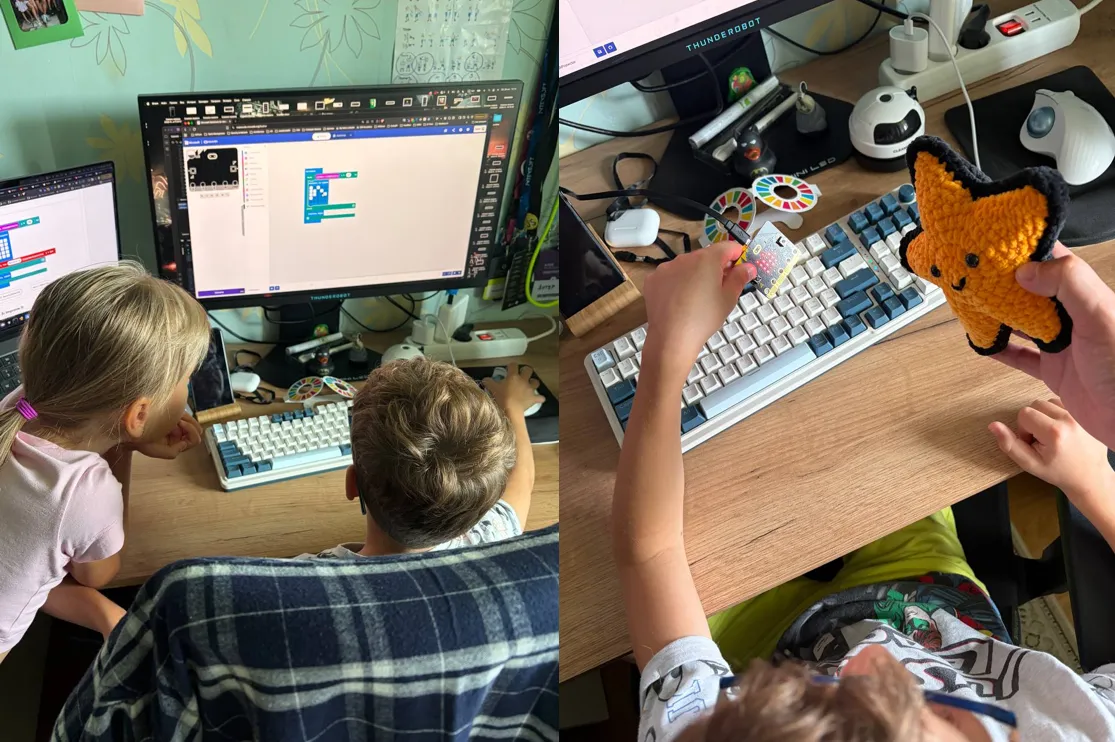
My kids and I jumped into the do your :bit challenge — as proud owners of our own micro:bit, we couldn't just walk past it.
The idea is to get familiar with the UN Sustainable Development Goals and come up with a project built around a microcontroller that would help advance one of those goals.
The kids designed their own projects and picked the goals they liked, and along the way we built the sample projects that the Micro:bit Educational Foundation offers as starting points.
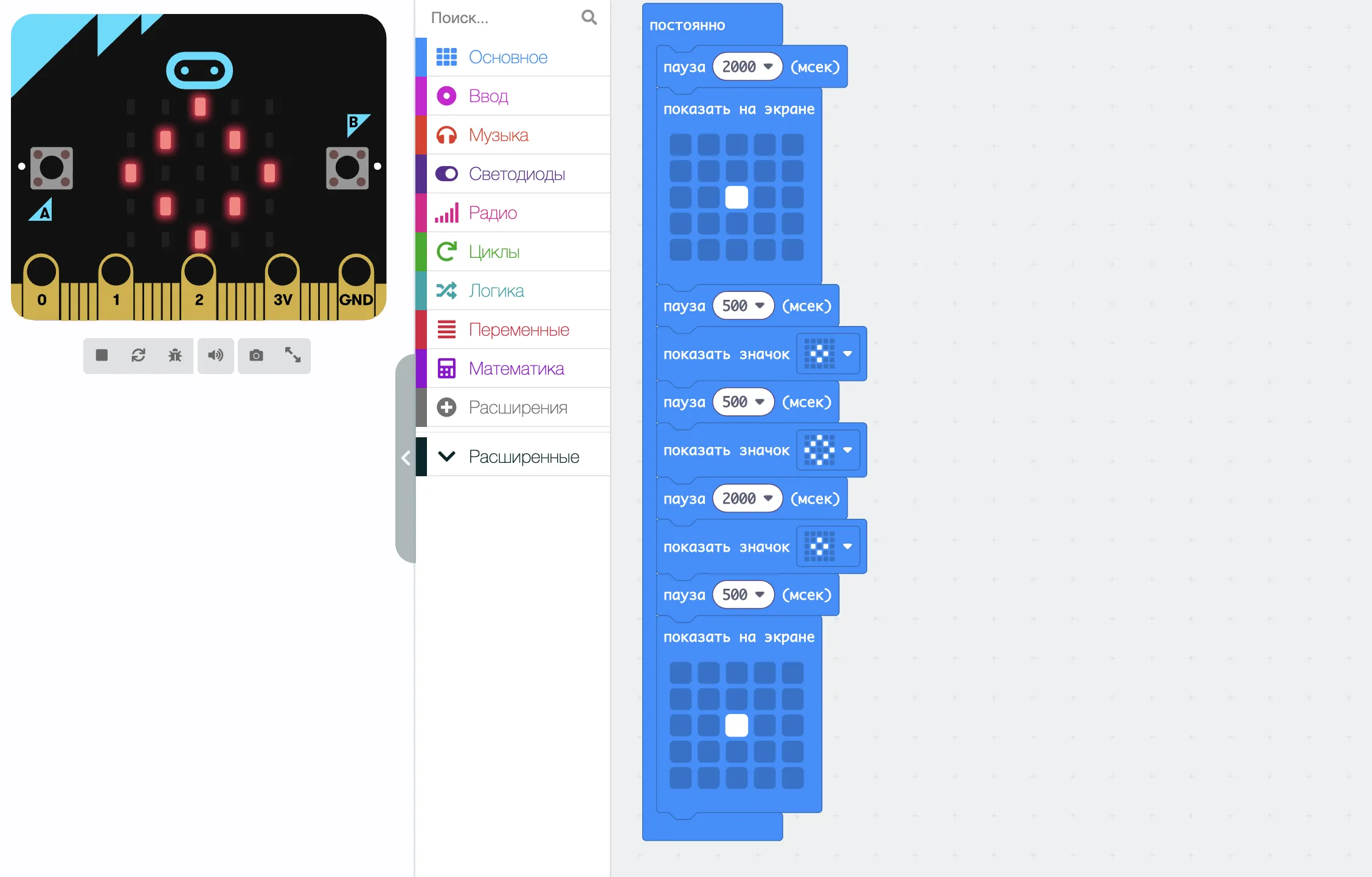
One of those is Calming LEDs — a very simple guided-breathing app prototype.
A circle in the center of the LED display pulses at set intervals, and the user breathes in and out in time with it.
Techniques like these help you focus, reduce stress and meditate. That lands squarely in Goal 3: Good Health and Well-being — which, admittedly, took a bit of explaining as to what it is and why it matters.
But that's not the point. Before this lab session I showed that this project was no hollow toy but a genuinely working app used by millions of people — using the similar functionality on my own Xiaomi Band as the example.
Still, I wanted to develop the idea beyond the prototype and show how a complete application is born from 0 to 1 — one that is available to everyone and looks properly serious.
Moving it to the web
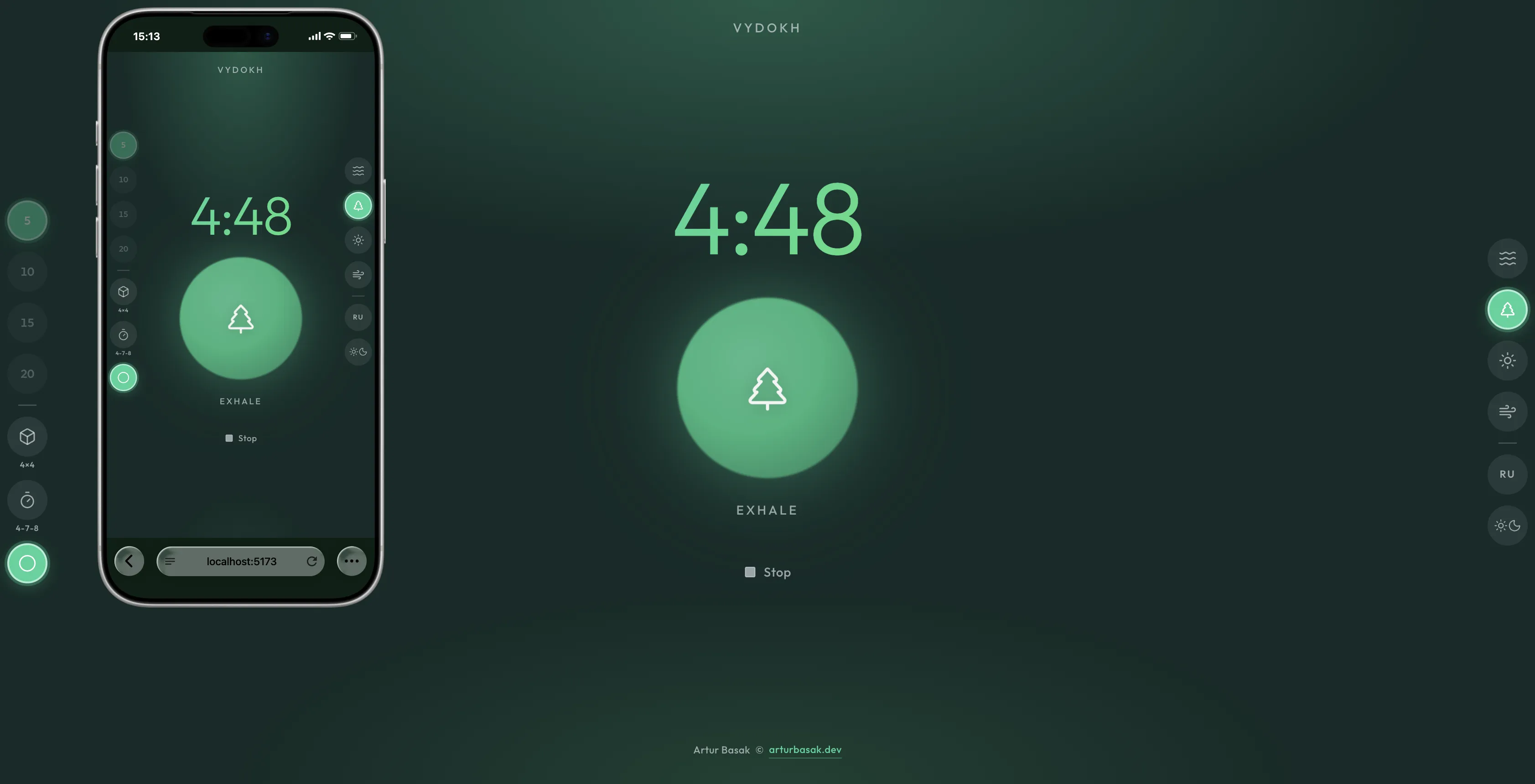
We take the prototype and simply move it to the web. It's the same timer and the same pulsing circle; we add a few controls — start a breathing session and stop it.
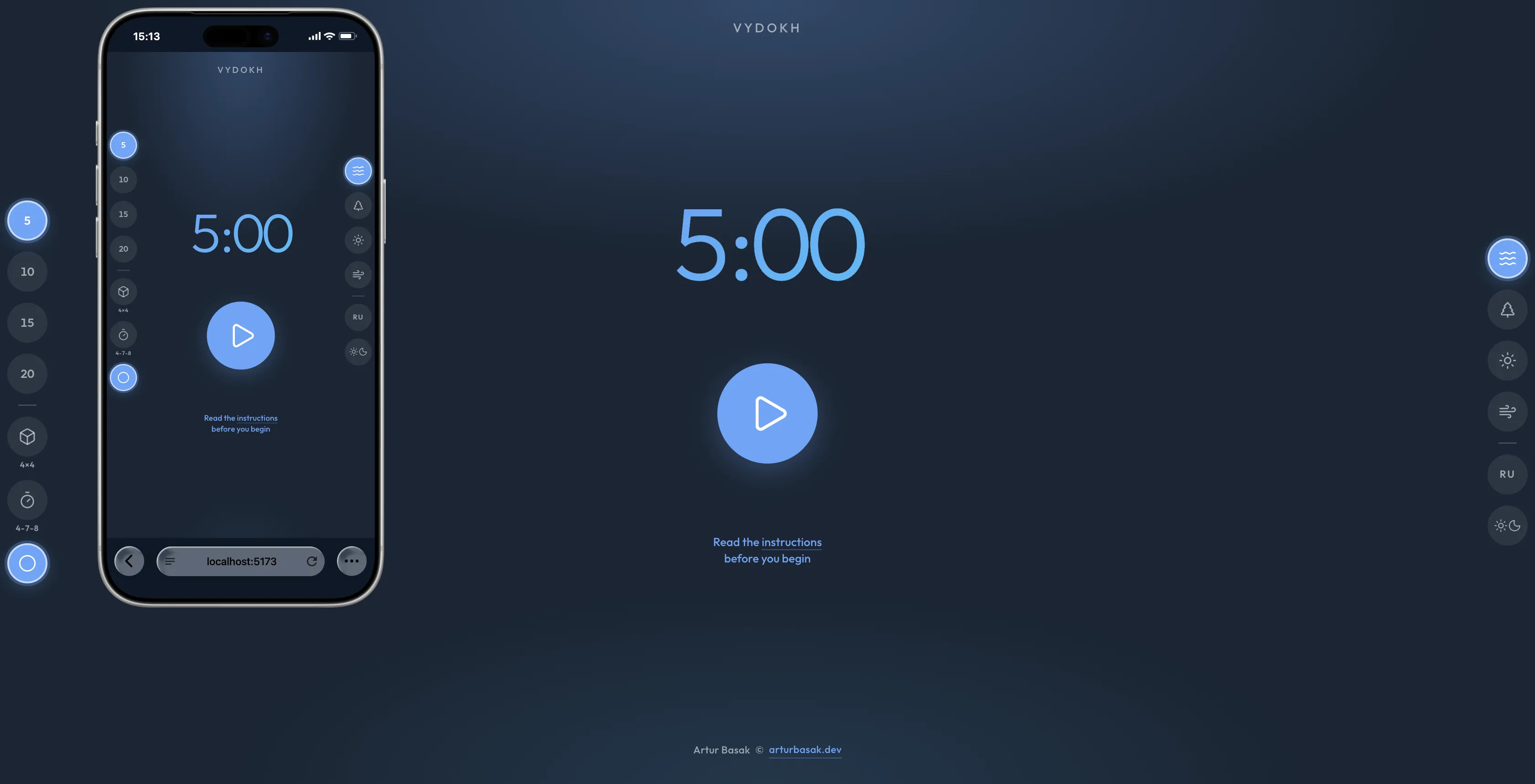
We go with a light, simple, minimalist design, but with modern details — like smooth, pretty gradients — and, of course, mobile-first, so it's comfortable to use on smartphones.
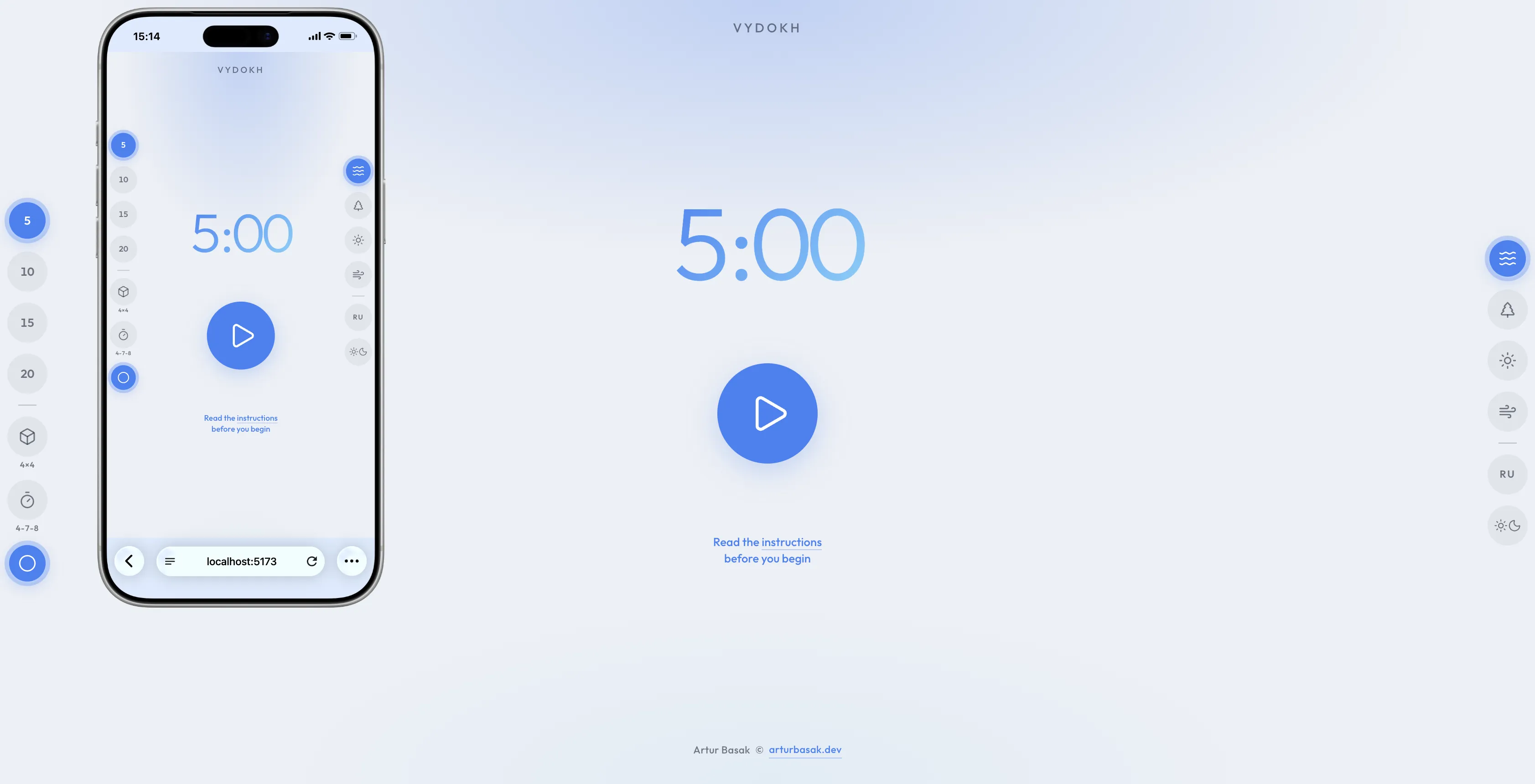
We add color themes to keep things interesting, plus more breathing techniques — deep diaphragmatic, box 4×4, 4-7-8 — and sessions of 5, 10, 15 or 20 minutes.
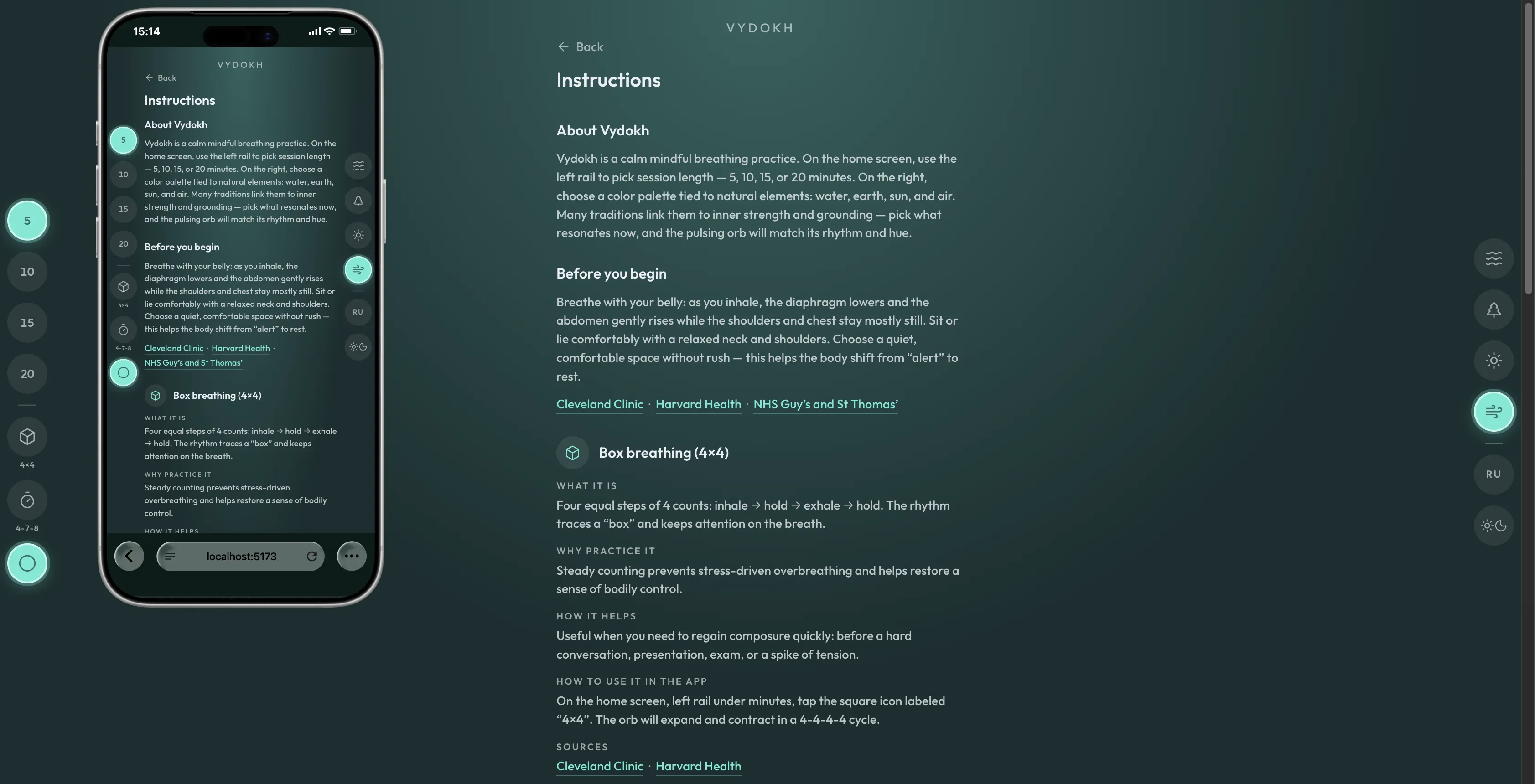
We create a content page that briefly explains the essence of the different techniques and links to sources — Cleveland Clinic, Harvard Health, NCCIH and others.
With AI agents, projects like this come together very quickly these days — especially when you know exactly what you want, have set up the design and code guardrails, and move steadily toward the goal. The stack is simple: Vite, Tailwind, Workbox for the PWA part. That's why you can immediately ship two locales, Russian and English, a dark and a light theme, and even try to support accessibility at a decent level — skip link, hints for screen readers, reduced motion.
We even drew an original logo (generated, of course — generated).
It looks solid, but so far it's a local story — and we want to give it to the world, so that everyone can feel a bit more healthy and well-being, as Goal 3 intends.
I used to go with GitHub Pages; Heroku or Netlify would do too, but these days Vercel is my comfort zone — all of them are free platforms for hosting web apps. We deploy to Vercel for free: vydokh.vercel.app
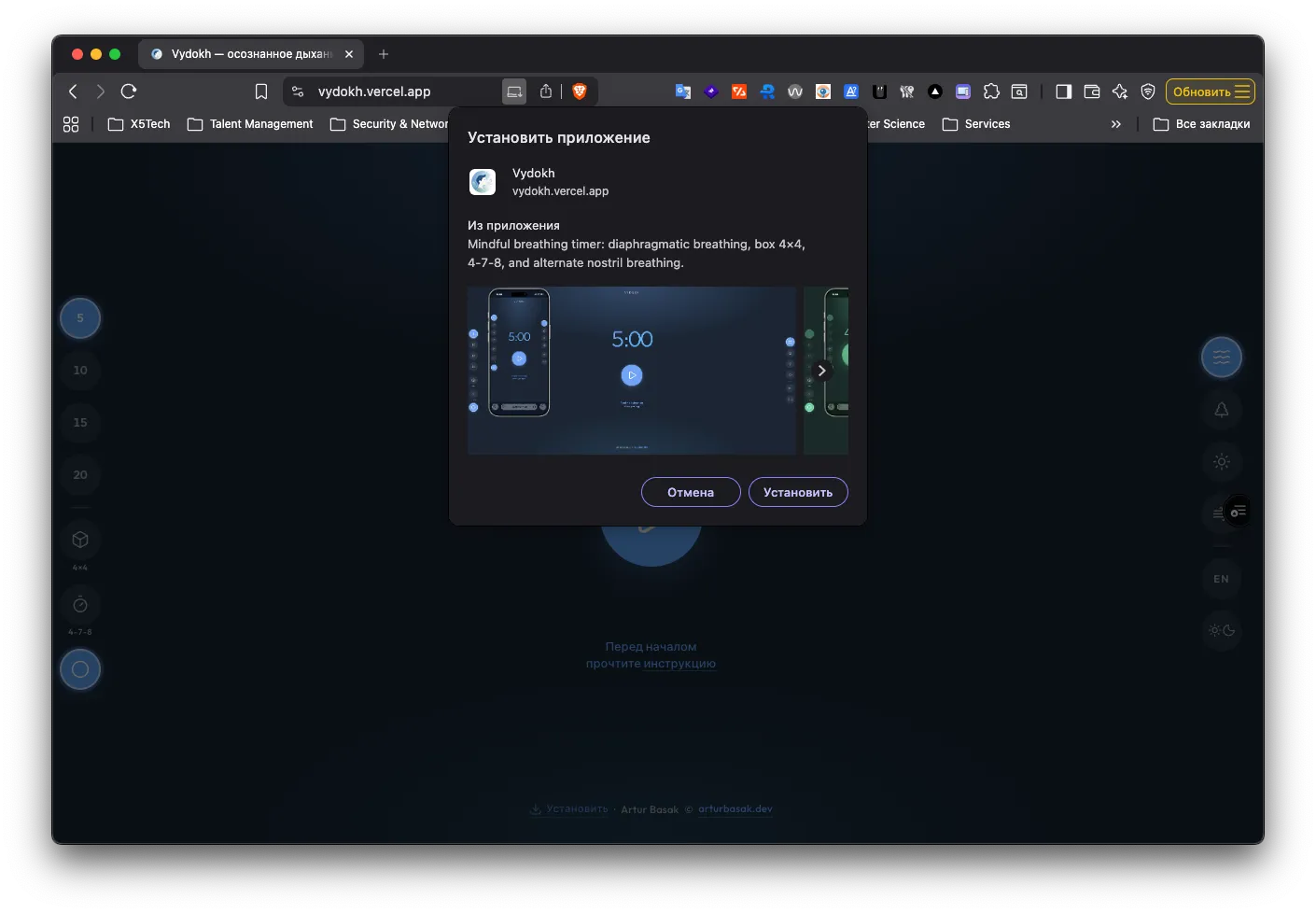
We package it as a PWA — offline-first, with a service worker — so the app can be installed from the site onto a smartphone or desktop, native-like. After the first visit, the shell works without a network.
We push the idea further with more modern Web APIs, so you can breathe and meditate with your eyes closed. We add sounds as inhale/exhale indicators via the Web Audio API, plus vibration (haptics) in sync with the sound via the Vibration API: for now this works only on Android — iOS doesn't support it yet — but it came out one-to-one like on my Xiaomi Band.
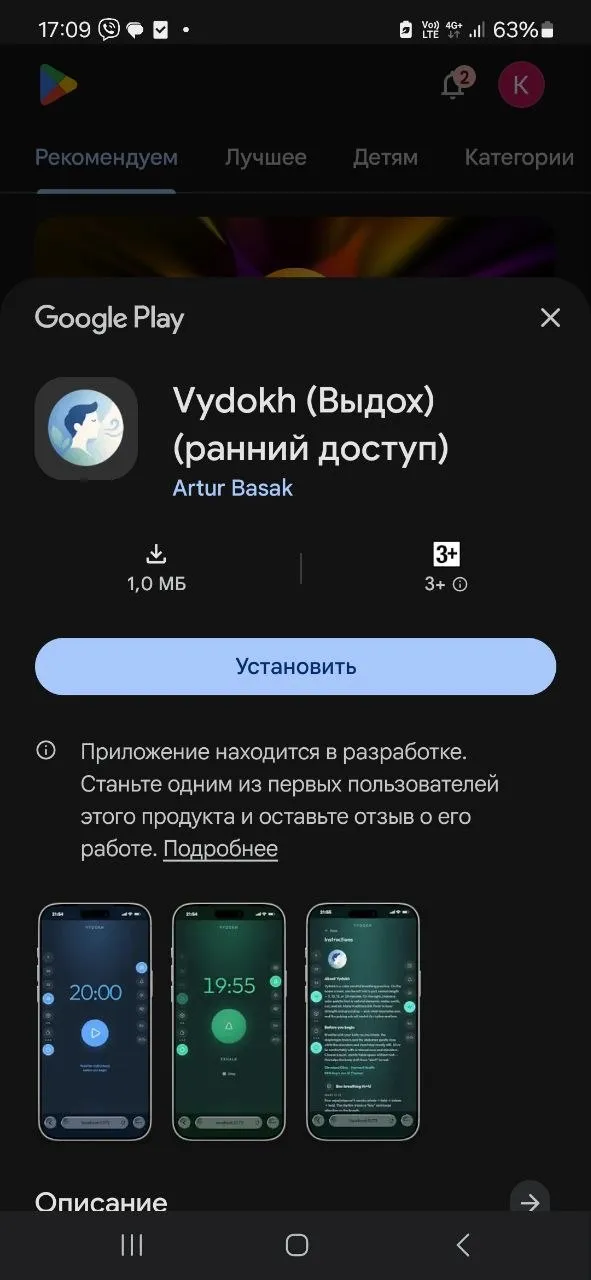
PWABuilder lets you wrap a PWA in a real native shell for Android or iOS. The App Store charges $100 a year for a developer account, so shipping hobby experiments there "just to play around" is pricey, while the Play Store takes a one-time $25 — not free, but okay.
Honestly, I have never seen UI/UX worse than Google Play Console's. It's a maze where the devil would break his leg — even Facebook with its settings pages isn't this nasty. Although… Anyway, the fastest time-to-market still belongs to the web platform: every OS at once, and no piles of forms to fill in.
We just wanted to publish our creation on Google Play, but the bureaucrats of Mountain View decided otherwise. Not only did they take our $25 at the door — they now also demand at least 12 live testers for a closed test! So you're warmly welcome — become our testers if you'd like to help (and get some breathing done yourself along the way).
That's it! From a small educational prototype on the micro:bit — to a solid web and mobile application that is now available to everyone.
I really wanted to show that toy projects like this can quickly grow into something quite tangible, start delivering real value right away, and be used by actual people.
With modern tools, production cycles are very short — so what matters is focusing on the ideas and the value.
P.S.
And do your :bit itself, of course, wasn't only about my web experiment. The kids built their own projects — and those were all about home, habits and "why are we burning / throwing this away".
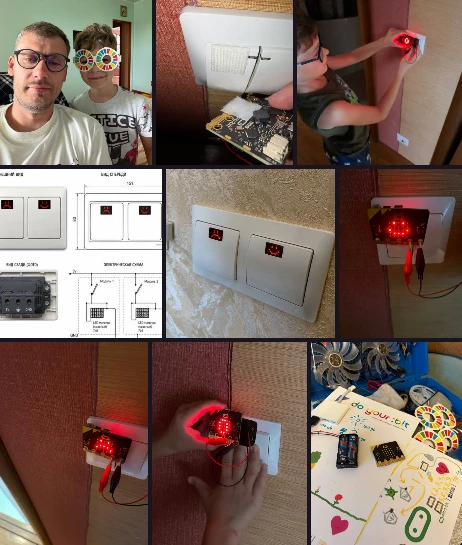
My son built a smart light switch: it gets sad when the light is on for no reason and is happy when someone turns it off. A simple idea, but it works surprisingly well — you can't walk past it indifferently.
My daughter went with a similar concept, only about trash. Took too little out — good; too much — bad: the bin literally shows its mood. From a piece of duct tape and a micro:bit on the rim — to a neat concept with green and red faces.
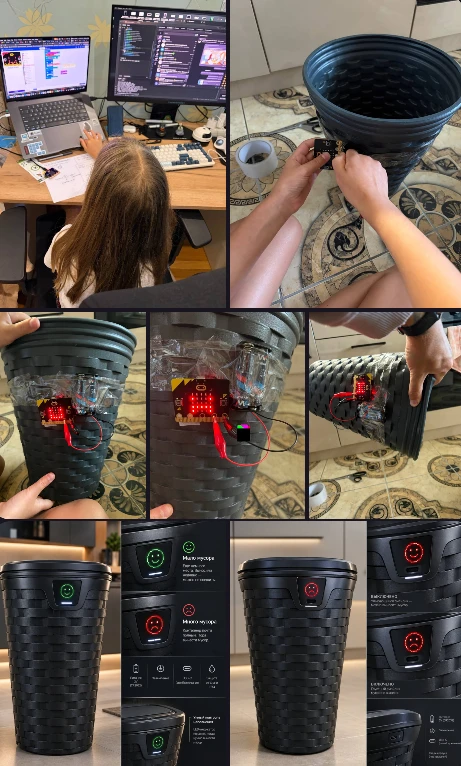
Not bad for a weekend and a single microcontroller.
Related notes
- An accelerometer as an alternative game control in a shooter
- How my son and I built a watering sensor for a cactus, or why the micro:bit is the best first computer
- A smart Christmas tree ornament on the micro:bit
- Alice commands the micro:bit — building custom voice skills with my son
- Recovery and observability for a PWA that fails before it starts
- View Transitions in React — a year in production
- Web accessibility is not hype, it is responsibility