If it's a tree ornament, then only one like this!
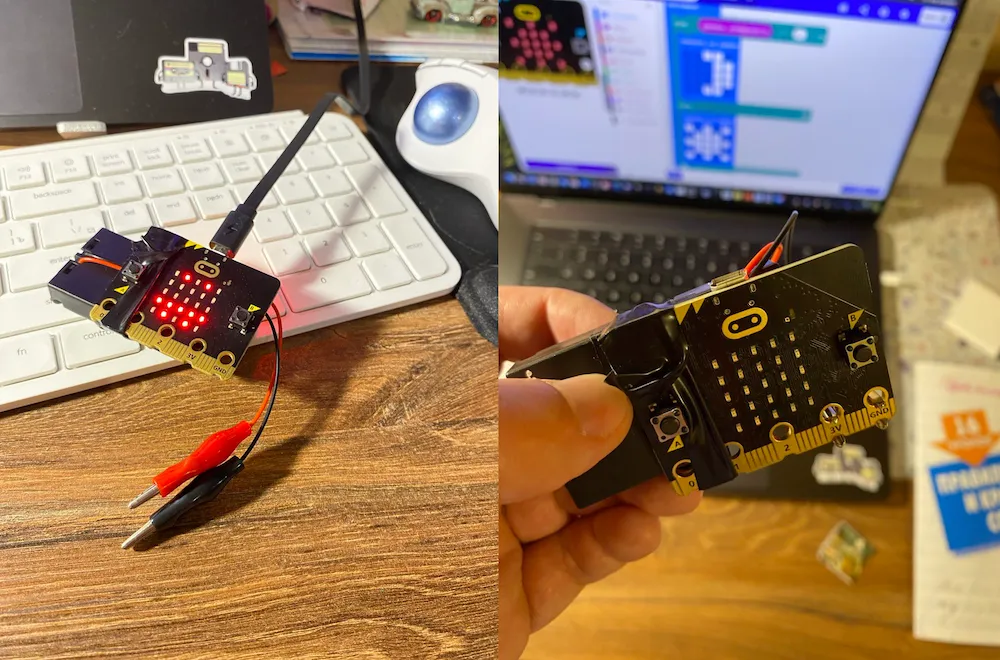
It's Christmas Eve now, the holidays, and tree ornaments are sold everywhere. There's also a fashion for music boxes with Christmas tunes, usually from movies like "Home Alone" and "Harry Potter".
Long story short, I decided to combine it all and make a mega-super-duper smart ornament together with the kids — one that lights up, plays music, and hangs on the tree — all at once!
The foundation — the micro:bit
The foundation is the micro:bit controller: super minimalistic, affordable and approachable.
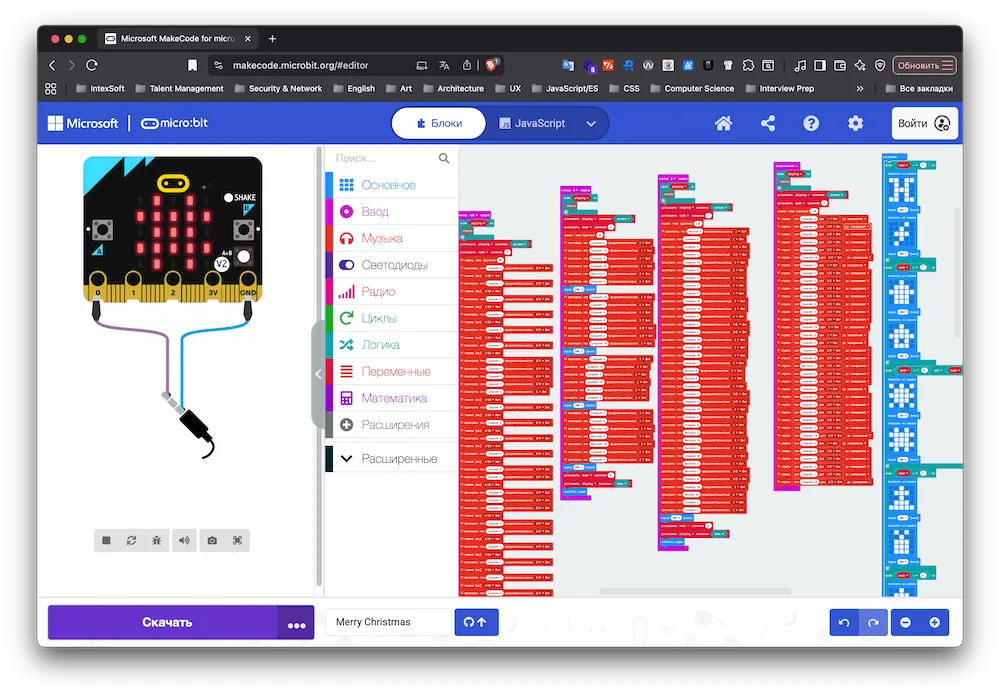
It connects easily to the browser and is programmed in MakeCode — a block-based programming language similar to Scratch. After Scratch, kids already know their way around it intuitively.
Very easy onboarding, and you can save the code as JavaScript or Python — in short, very simple and exactly what's needed.
If you're interested, I put the code of our implementation here. You can paste it into the visual editor as is and convert it into kid-friendly blocks. And it turned out to be quite a lot of code!
Melodies with AI
These days, implementing melodies with AI is quite easy. The main thing is to find the tablature or the notes of a tune and feed them to the chat. It converts them into sound codes reasonably well, although mine kept stubbornly missing the key.
"Jingle Bells", "Merry Christmas", "The Forest Raised a Christmas Tree" (a Russian carol) and "Harry Potter" came together almost immediately, while "Home Alone" had to be reworked by hand. To my ear, it still doesn't sound quite right.
Later we tied the pictures on the screen to a variable's value, matching each song.
Creativity within constraints
The 5×5 LED limitation pushed me and the kids toward creativity — trying to fit and draw a Christmas tree, a present, a bell, a lightning bolt for Harry Potter and a little house for "Home Alone".
Here's a video of what came out of it! Watch with the sound on!
For grown-up programmers
If you want to program a microcontroller the adult way, without kids' visual languages — in C++ or Rust — then go here.
Related notes
- A small but complete PWA from 0 to 1, as an example for kids within the "do your :bit" challenge
- An accelerometer as an alternative game control in a shooter
- How my son and I built a watering sensor for a cactus, or why the micro:bit is the best first computer
- Alice commands the micro:bit — building custom voice skills with my son