I had long wanted to build a really simple game example with my son on the micro:bit — a shooter that I saw in a themed book. Somehow my hands never got to it: where do you find the time for everything? But we finally did — one evening on a weekend.
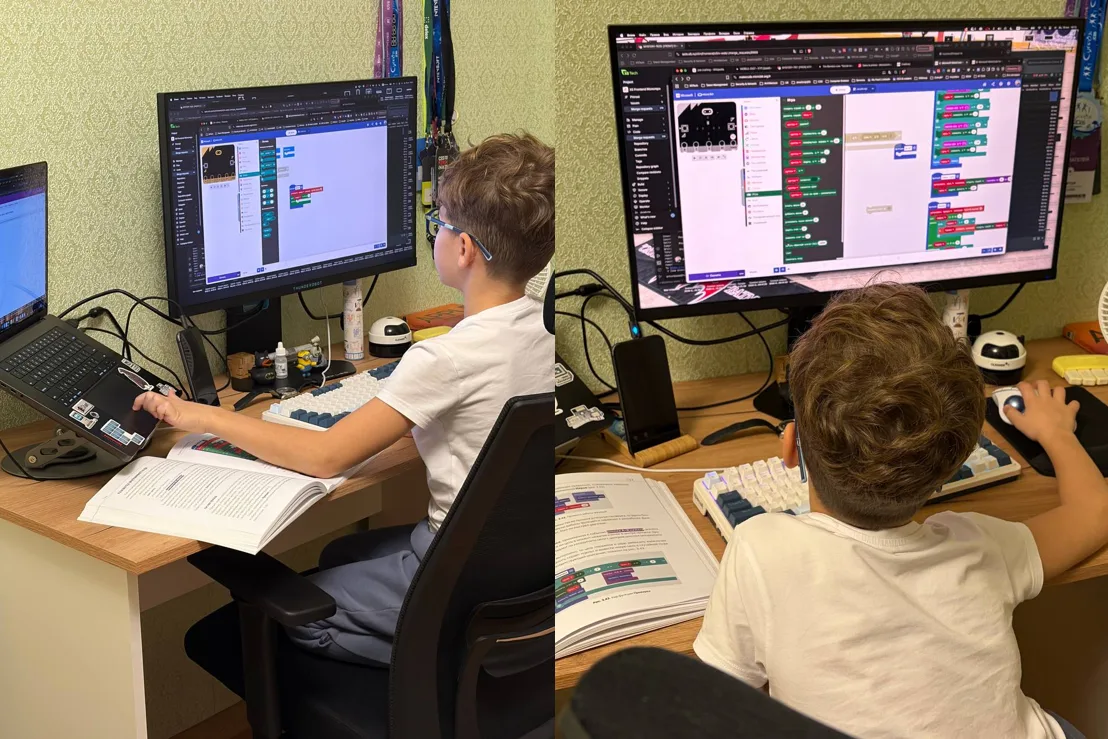
It seems like, what can you possibly make on a screen of 5 by 5 LED lights? But the concept is very simple. We draw the enemy as a lit LED — absolutely random each time, just a dot at full brightness.
We draw the crosshair strictly in the center of the display and dim it a little, so the crosshair is less bright than the enemy dot — that way the two can be laid on top of each other.
We move the crosshair toward the enemy using the readings of the tilt sensor — the accelerometer. And we fire by pressing buttons A+B at the same time.
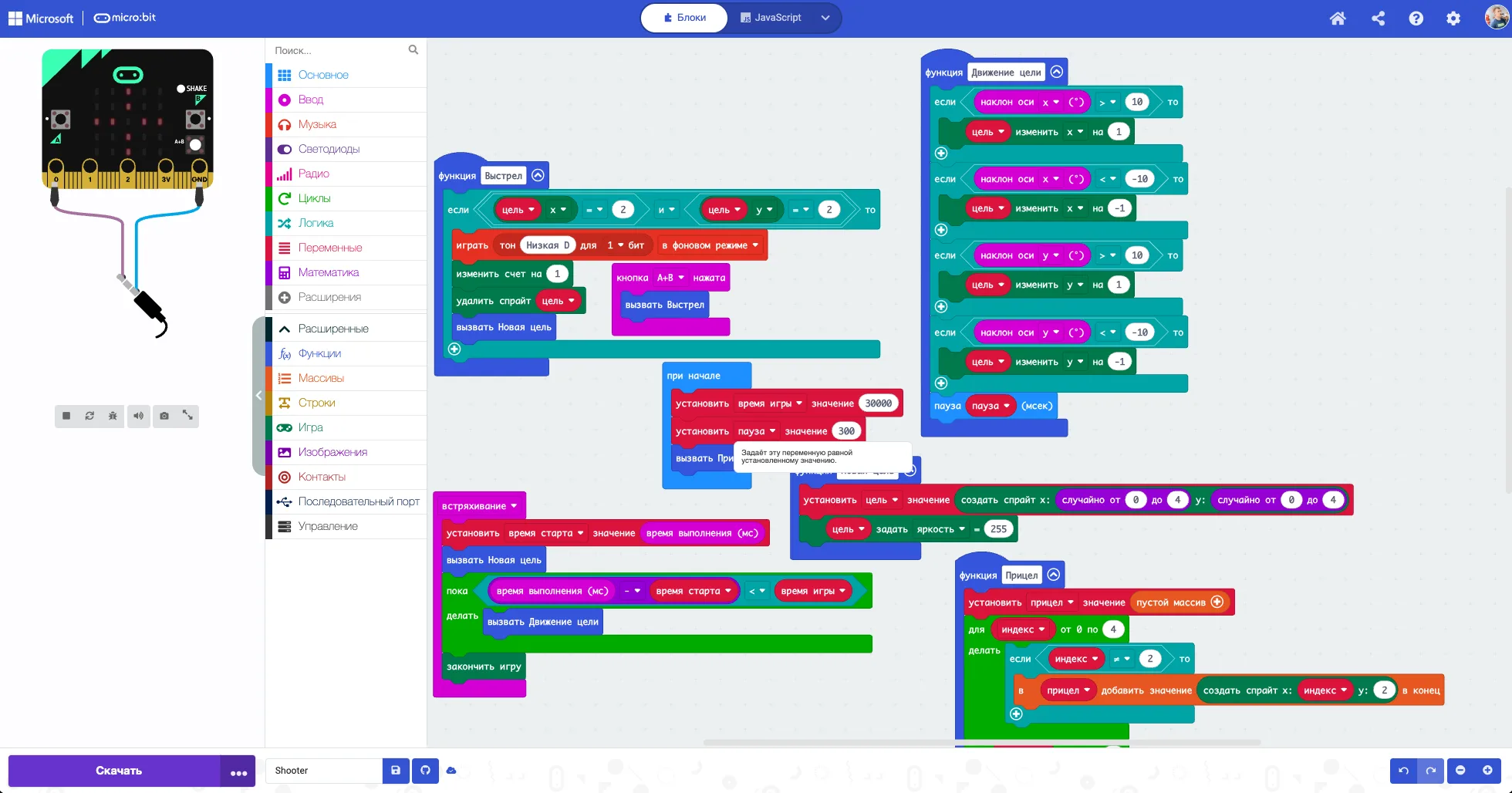
The microcontroller here acts as both the joystick and the game display. The project is done.
From MakeCode — to the web
Next we fed the kid-friendly algorithm to an AI agent and asked it to produce something in the spirit of 16-bit Sega games.
We also asked it to take the micro:bit connector implementation from the solution I had built for controlling the board via the Yandex Alice Station.
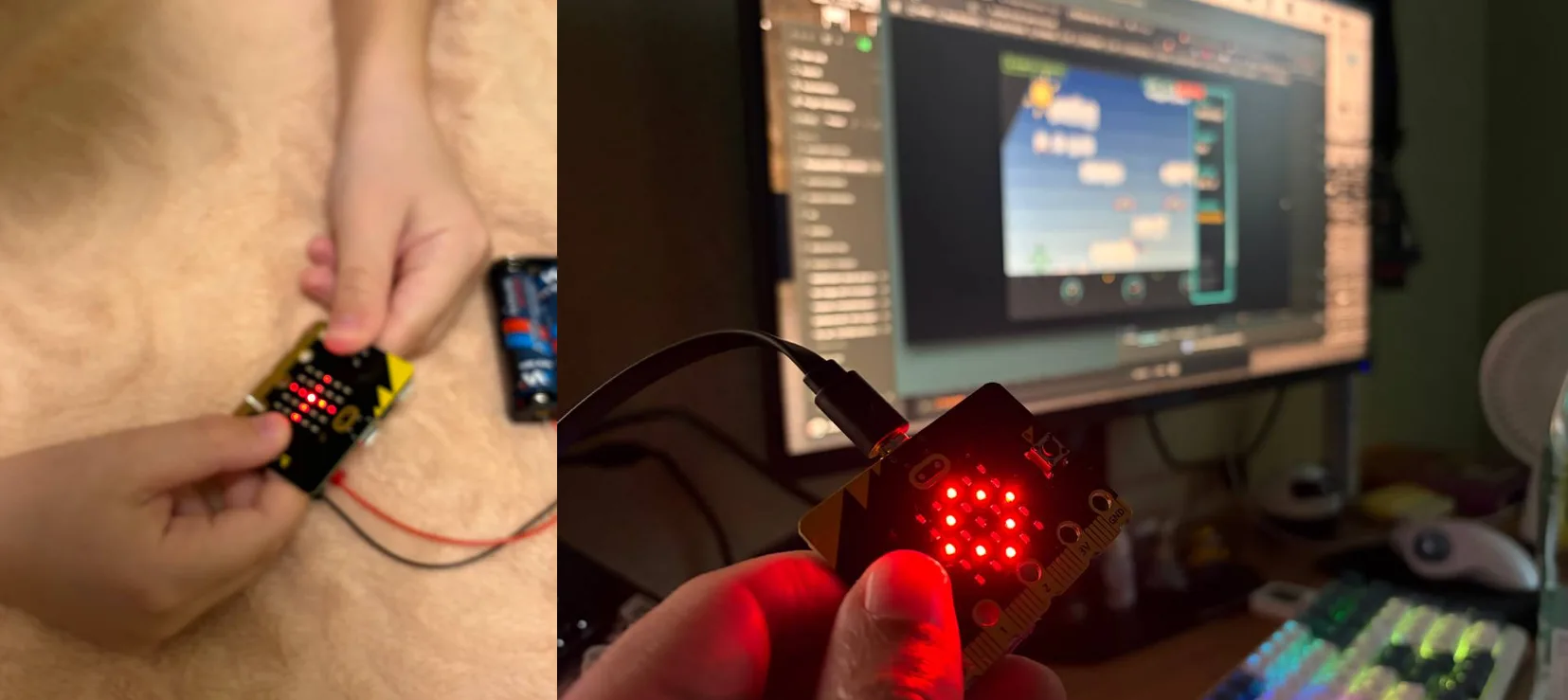
So in the web version the easy path is playing with a computer keyboard: arrow keys and firing on the spacebar. But it's far more interesting and challenging to connect the microcontroller to the web game and steer the crosshair with the accelerometer, like a joystick — by analogy with that first kid-friendly MakeCode program.
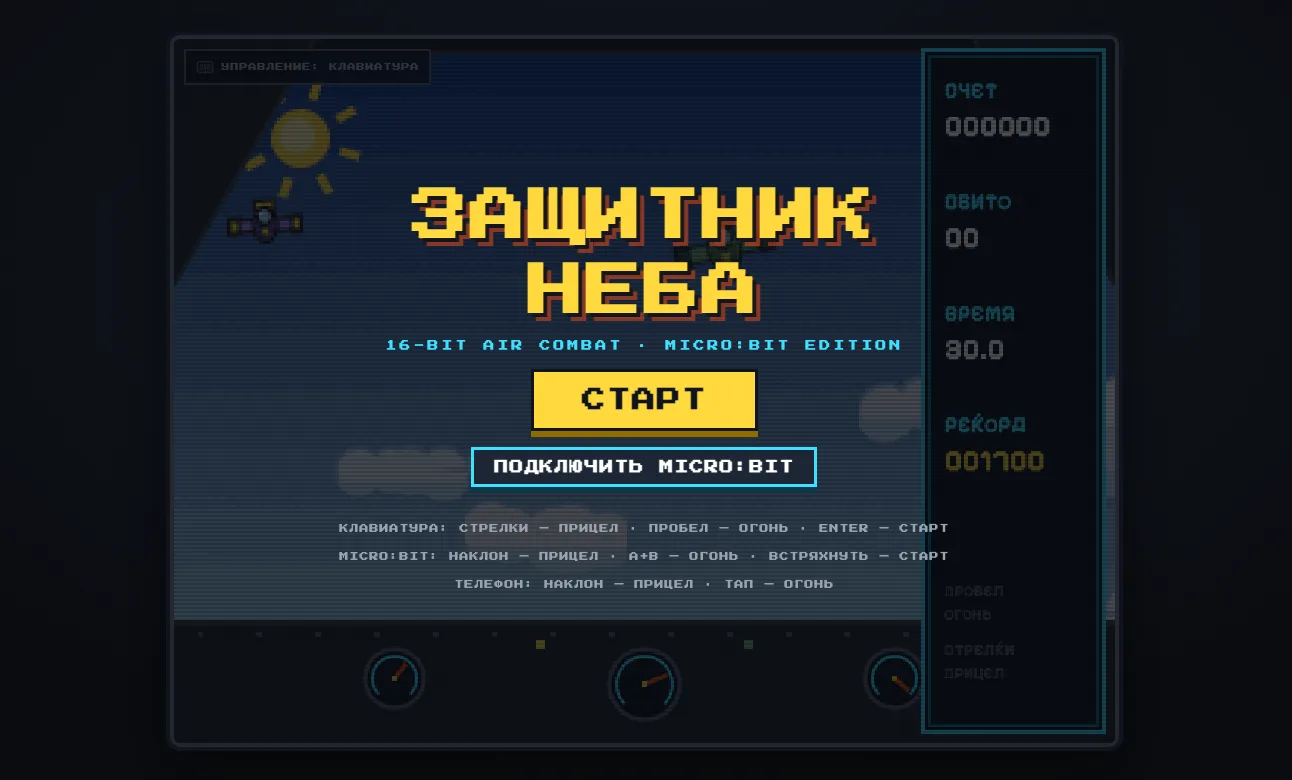
For a smartphone it can be done in a similar way if it supports the Web Accelerometer API, with a D-Pad as a fallback where the API is missing — on iOS, for instance.
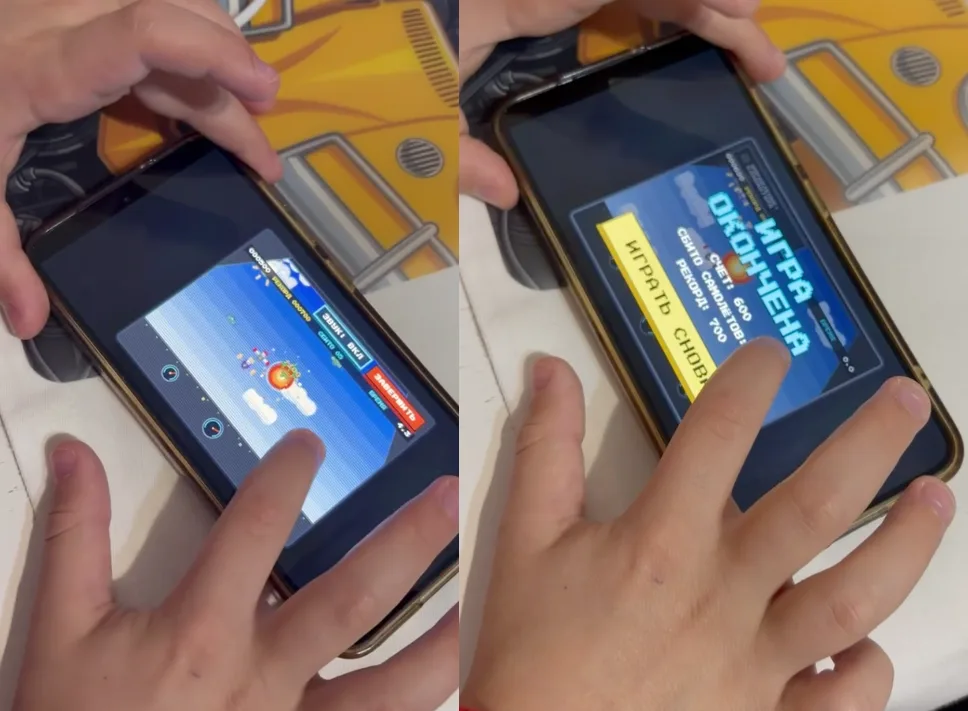
From prototype to application
In short, just like last time with the breathing app, this turned into another 0-to-1 application case: from a lab prototype in kid-friendly MakeCode with blocks to a perfectly tangible web application.
Related notes
- Alice commands the micro:bit — building custom voice skills with my son
- How my son and I built a watering sensor for a cactus, or why the micro:bit is the best first computer
- A small but complete PWA from 0 to 1, as an example for kids within the "do your :bit" challenge
- A smart Christmas tree ornament on the micro:bit