If your child is already comfortable with Scratch and you want to show them that programming is not just a cat animating on a screen, but a real force that can make hardware think and help around the house — this project is for you.
A project for my son's school portfolio
We needed an idea for the first-graders' school science conference.
Surely everyone has had houseplants suddenly look sad and then dry out completely. The reason is simple — someone forgot to water them. We decided it was time to do something about it.
The task was clear: build a system that would remind us to water. The idea came quickly: make a soil moisture sensor based on the micro:bit.
Why the micro:bit and not Arduino
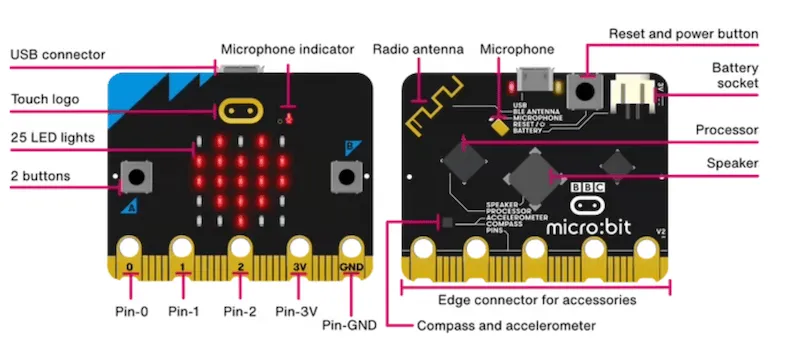
The micro:bit is a good, simple starting point. It's simpler than Arduino and Raspberry Pi, yet it has everything you need, and it integrates nicely with MakeCode, which is easy to grasp if your child is already familiar with Scratch.
Moving from Scratch to MakeCode takes exactly five minutes. The same blocks, the same principle of building an algorithm. The micro:bit can work in the Scratch environment too, but we hit plenty of glitches there, so MakeCode — the environment native to the board — is steadier.
How electricity works
But first we needed to sort out the theory. The "Znatok" electronics kit helps a lot here (this series of STEM toys is great for showing visually how electricity works, what circuits are, and why resistance is needed).
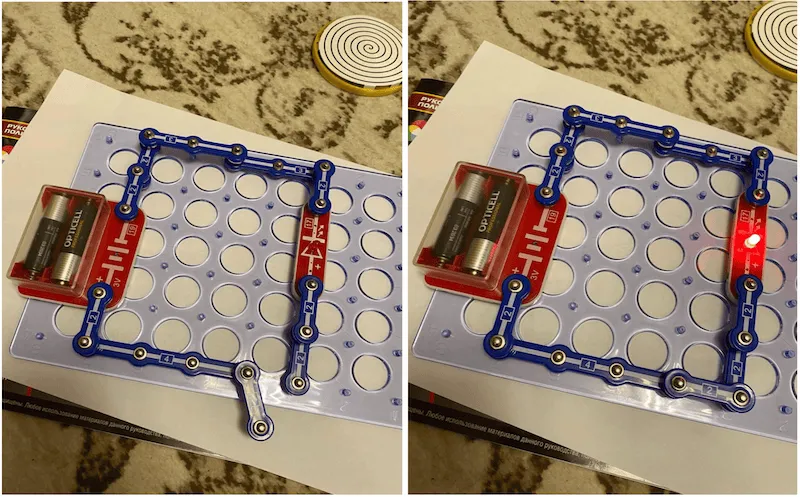
To begin with, we took the kit and assembled a simple circuit: a battery, a bulb, and bridges/wires. While the wires were apart, the bulb stayed dark.
But the moment we dipped them into a glass of water, the bulb lit up! It demonstrated vividly that water conducts electricity. We even drew the circuit diagram by hand.
Assembling the device
Next, the micro:bit came into play. It's a small board packed with possibilities.
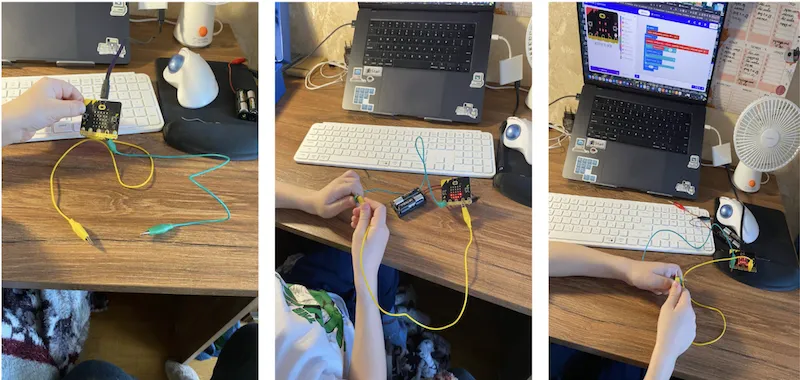
We attached a battery pack so the micro:bit could run standalone. To pin 3V (which always carries voltage) and pin P0 we connected two wires with crocodile clips. The free ends of the wires went into the soil of a flowerpot.
In effect we created two circuits — in one, electricity from the battery always runs in a loop; the second one is broken. And now for the most interesting part — the programming.
Programming in MakeCode
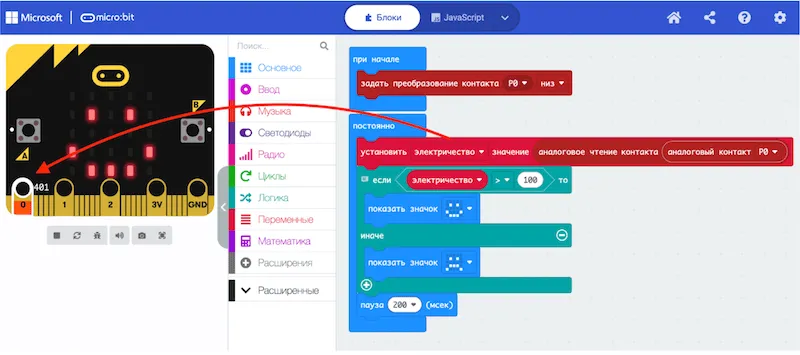
The program's logic:
- the micro:bit measures the voltage on pin P0
- if the value is above 100 — the soil is wet, show a happy face
- if it's lower — the soil is dry, show a sad face
The JavaScript code looks like this:
let electricity = 0;
pins.setPull(DigitalPin.P0, PinPullMode.PullDown);
basic.forever(function () {
  electricity = pins.analogReadPin(AnalogPin.P0);
  if (electricity > 100) {
    basic.showIcon(IconNames.Happy);
  } else {
    basic.showIcon(IconNames.Sad);
  }
  basic.pause(200);
});
Testing and debugging
We didn't arrive at this algorithm right away. MakeCode has blocks that simply check whether voltage is present or not, but there will always be some voltage in the soil anyway.
We decided to look at the actual numeric value, converting the analog signal from the pin we needed into a number. The value of 100 was picked empirically. Dry soil consistently gives readings up to about 50, wet soil — from 100 and up.
Once the code was ready, we loaded it onto the micro:bit and, of course, had to debug a little so the readings were accurate and the faces switched correctly.
We added an explicit pull-down on the pin, because some stray value kept drifting there at startup, and we also added a short pause so the picture changes smoothly.
In the end we carefully stuck the wires into a pot with an African violet. When the soil was dry, the micro:bit showed a sad face. The moment we watered the flower, it immediately "cheered up"!
The project worked out, and the violet now always gets its portion of water on time.
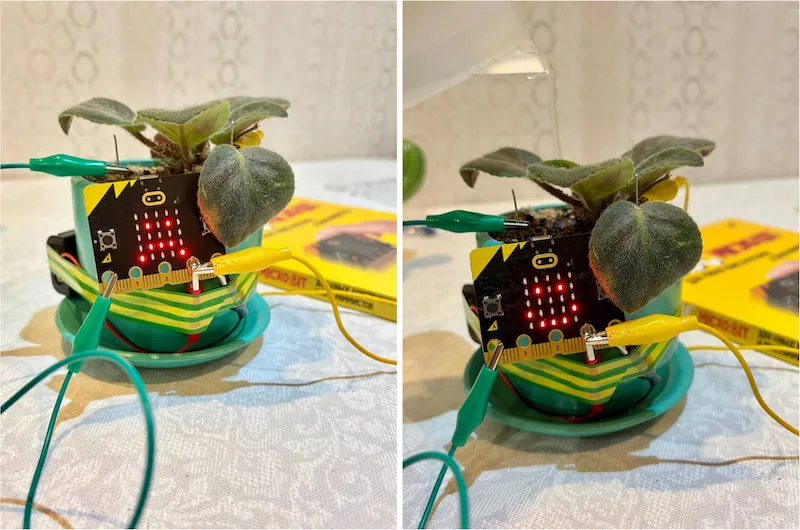
One more final test. The tall cactus holds moisture well, while the smaller one already needs watering: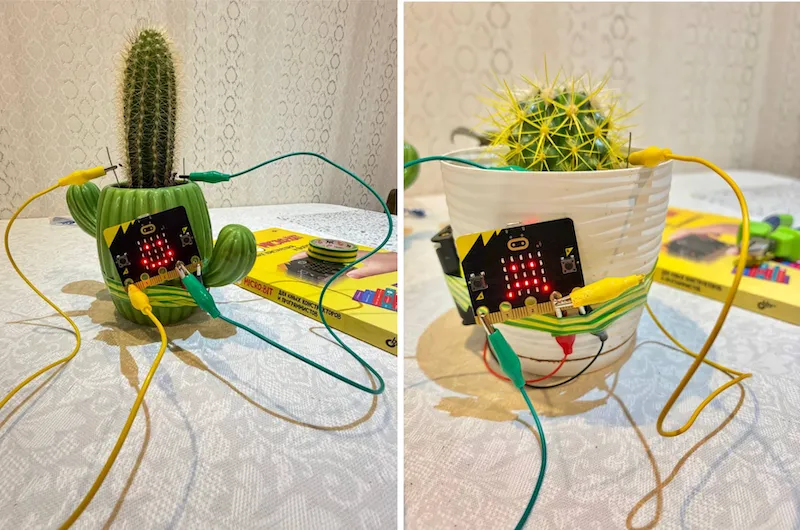
The result
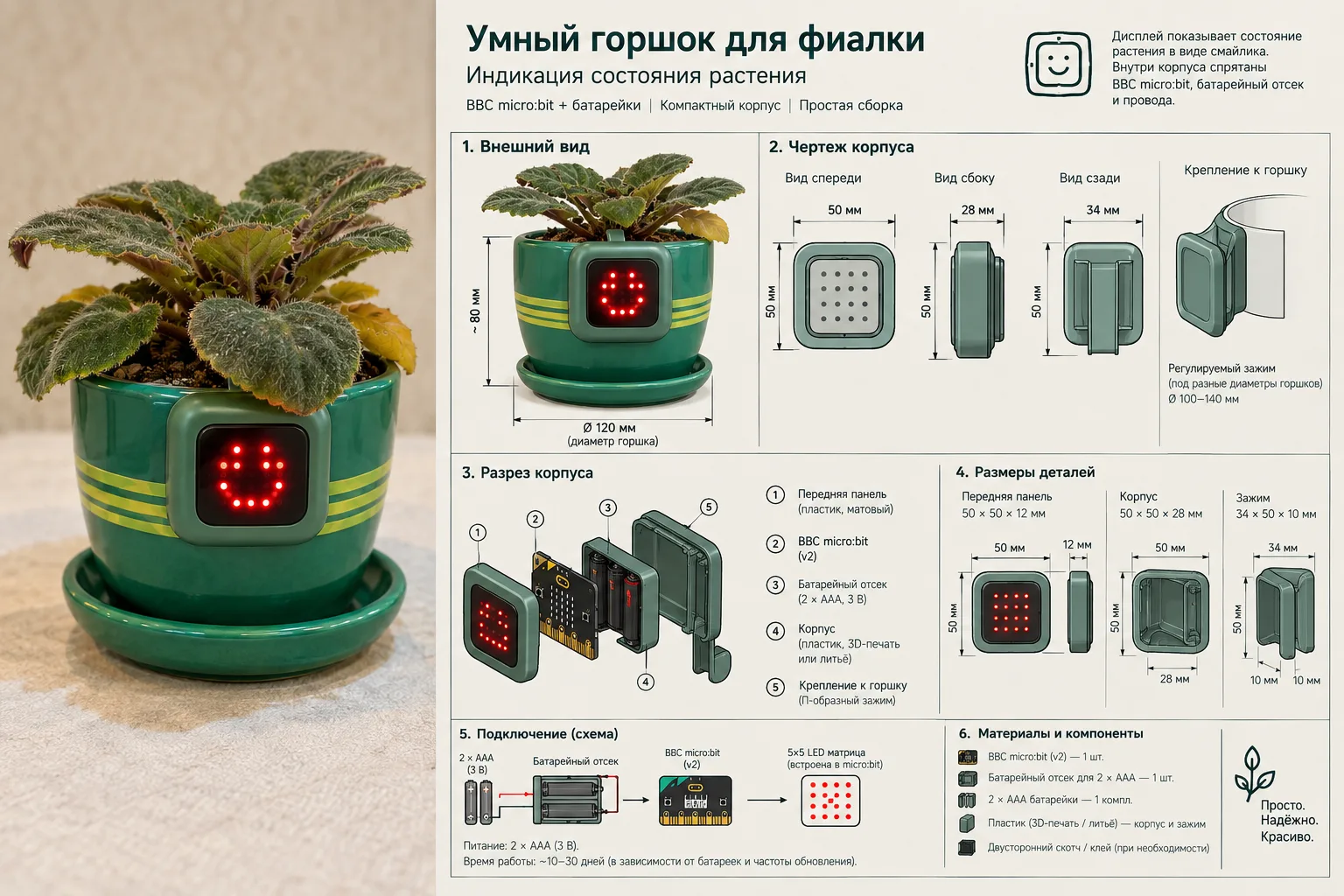
It would seem there's no magic — a simple lab exercise in physics and programming — yet it made a strong impression on the audience.
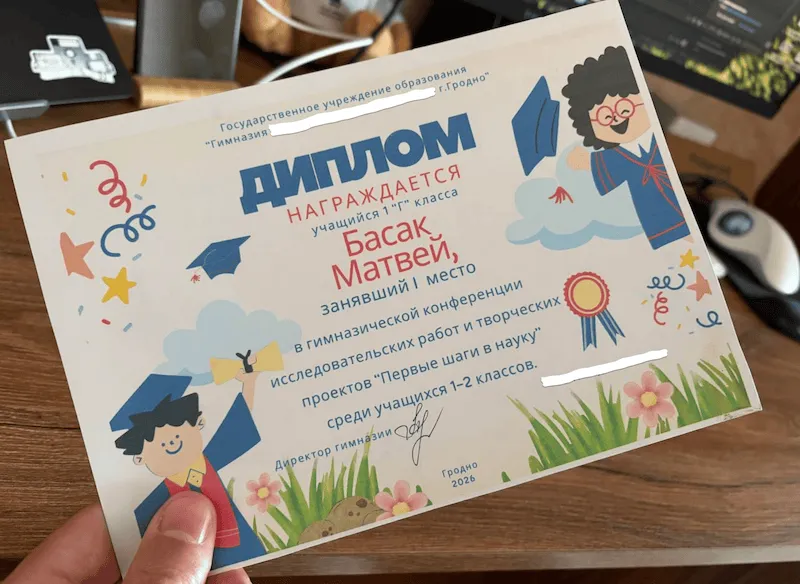
The project took first place at the school science conference. Matvey received a diploma.
But the main thing — the child saw, hands-on, how programming interacts with hardware and solves a real everyday task. Light sensors, motion sensors, smoke sensors all work exactly the same way: the same principles everywhere — measure, compare, produce a result.